 PrestaShop module
The wishlist for your PrestaShop store
Your customers save your products in one click, without signing up. You know what each of them has saved and remind them at the right moment. Free, no card needed.
Compatible with PrestaShop 1.7.8, 8 and 9
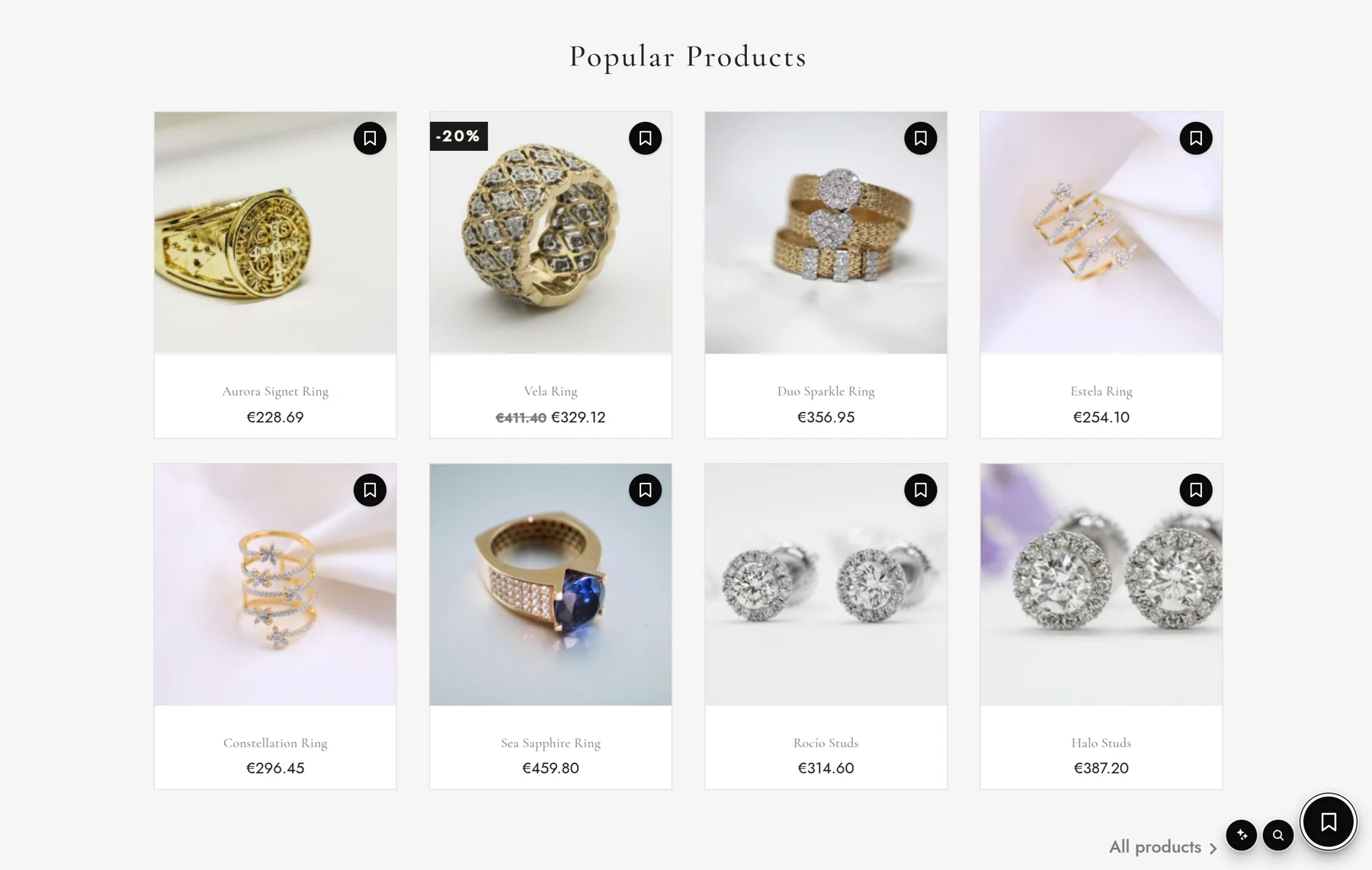
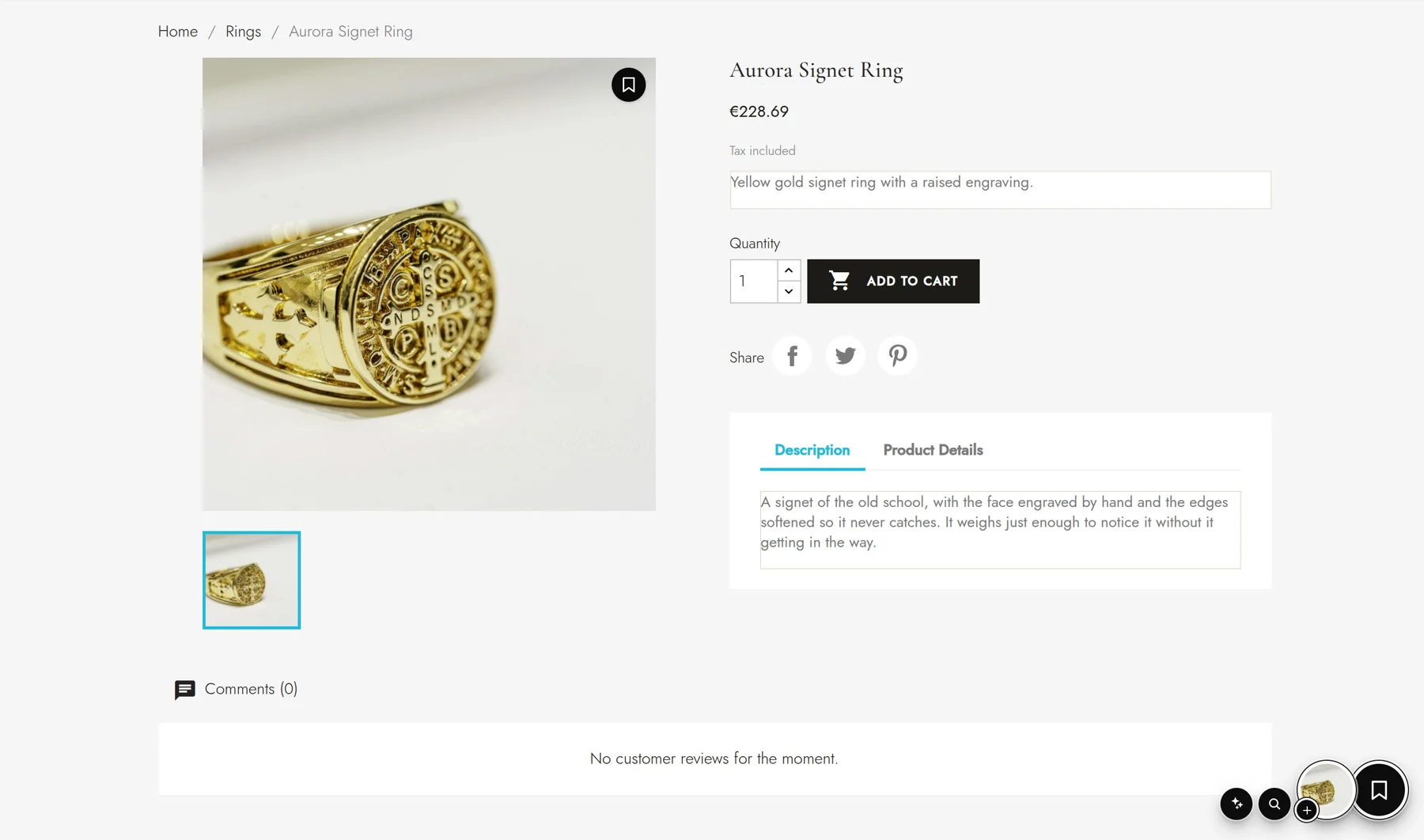
What your customers see
- 01
Save without signing up
One click on the floating button or over the product photo. No email, no password.
- 02
Their lists
Private or public, with notes on every product and a history of what they looked at.
- 03
Shared lists
They invite whoever they want, leave notes for the group and vote in polls. A gift between friends gets decided right there, in your store.
- 04
On any device
If they sign in, their lists follow them from phone to computer.
What you get in the back office
A panel with your numbers
Followers, saved products, widget opens and visits to your products.
The design you want
Your brand colours, the button's corner and how it opens, separately on desktop and on mobile.
Try it before you publish it
Once connected, only you see the widget until you decide to publish it.
Your catalogue, always up to date
Prices in every currency, sales, stock and photos, in every language of your store.
Bring the wishlist you already had
If you used PrestaShop's, your customers' lists move to Spaidoo product by product.
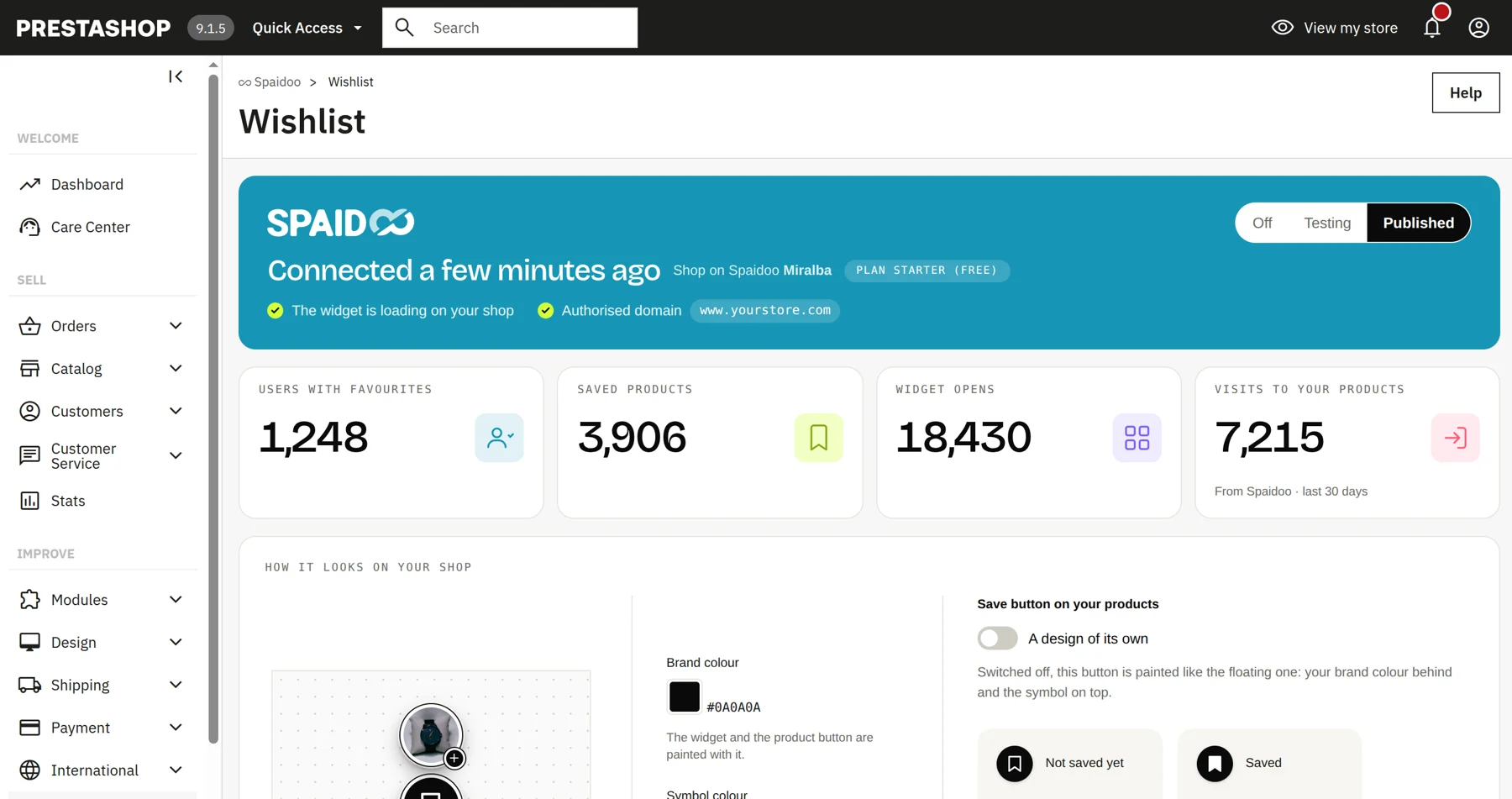
The module in the PrestaShop 9 back office. Sample figures.
It does not touch your store
It does not change your theme, your checkout or your products. It only adds its script, which loads after the page so it does not slow it down, and it carries its own fonts. If you uninstall it, your store is left as it was.
Install it in 4 steps
Without touching your theme or a single line of code.
- 01
Create your account
Free, no card needed. It is what connects your store to Spaidoo.
Create my free account - 02
Download the module
In your Spaidoo panel, go to Installation › PrestaShop and download it.
- 03
Upload it to your store
In the PrestaShop back office: Modules › Module Manager › Upload a module.
- 04
Connect and publish
Click «Configure», choose «I already have an account» and publish the widget when you like how it looks.
Requirements
- PrestaShop 1.7.8 or later, including 9.
- The PHP your PrestaShop version asks for.
- Module in 9 languages: Spanish, English, French, German, Italian, Portuguese, Dutch, Polish and Catalan.
Price
The wishlist is free and complete on the Starter plan: it is not a trial. If you want to write to the people who saved your products (alerts, push notifications, price drops, reminders), there is Growth at €29/month and Pro at €49/month, excl. VAT.
See pricing